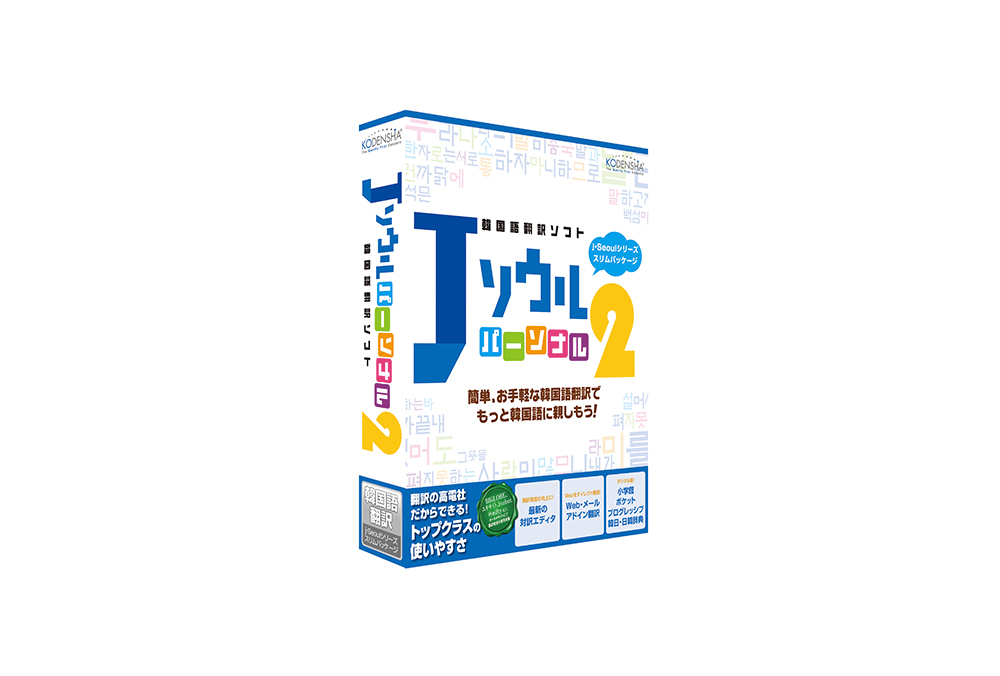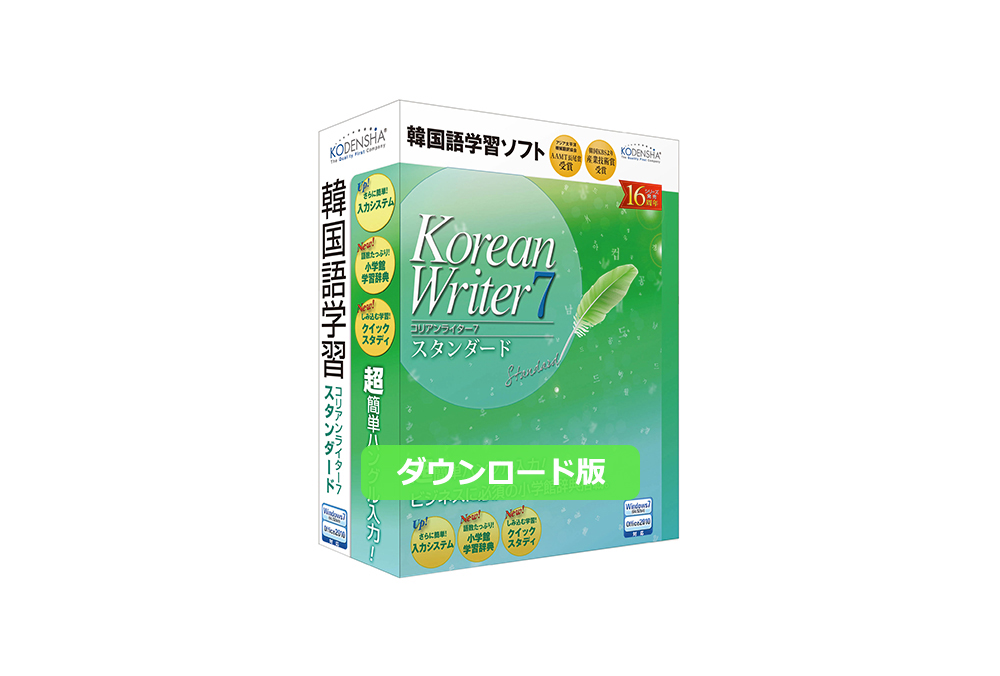




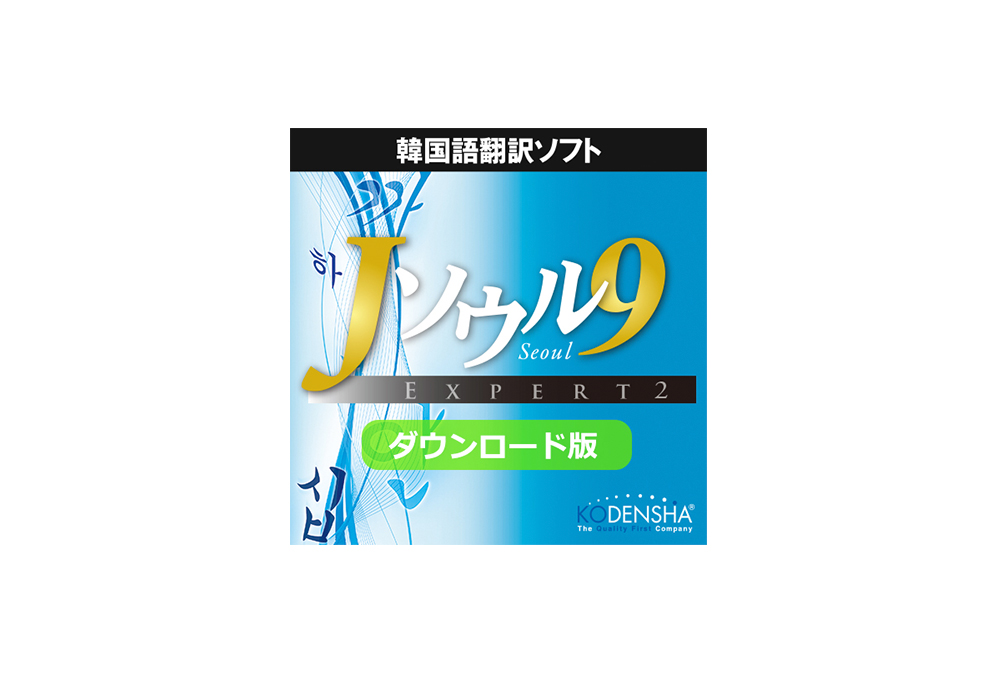
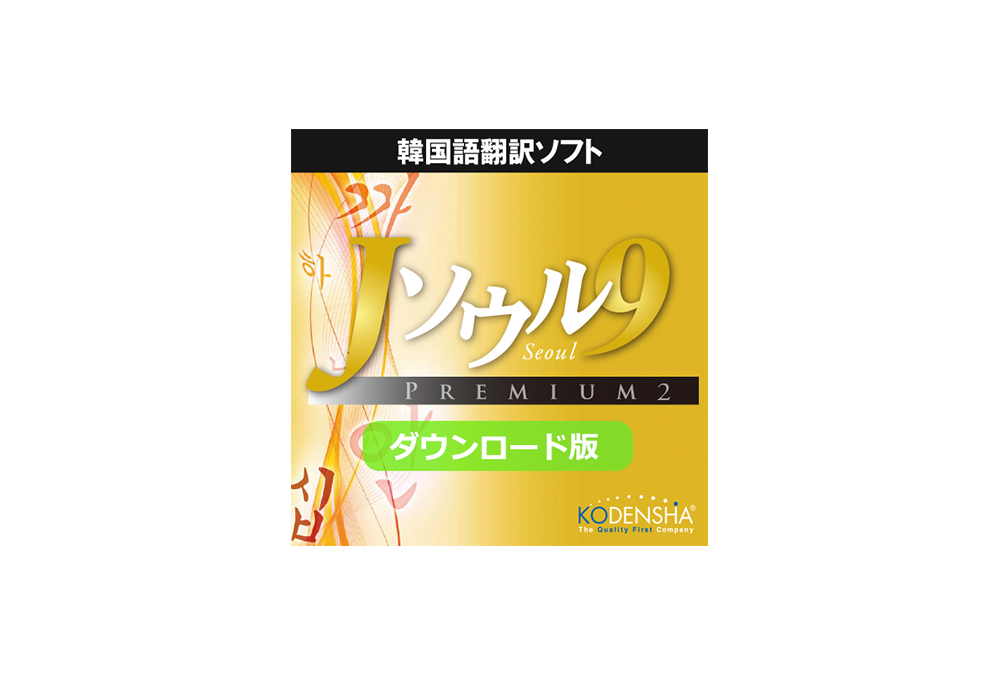
 Purchase from the Online Store
- Those Seriously Engaged in Korean-Language Business
- Translate confidential documents yourself when you cannot outsource them to a translation agency. You can quickly translate Korean documents and immediately review their key points, effectively saving both time and money.
- Those who wish to use it as a draft for translation projects
- Convenient for translating large volumes of documents. It comes standard with a dictionary of technical terms, making it suitable for translations across all specialized fields.
- Those who wish to translate patent-related documents
- Those who wish to translate patent-related documents
-
A translation engine used by major websites
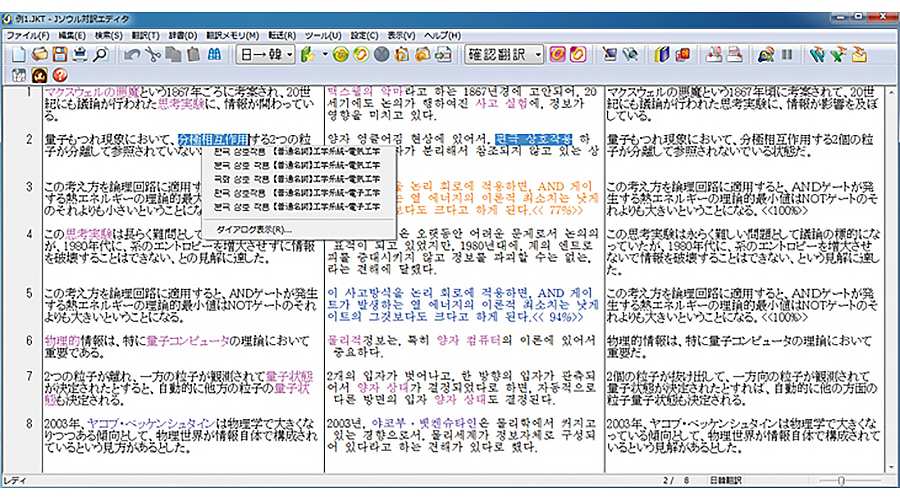 Bilingual EditorCombines know-how cultivated through years of development with cutting-edge language processing technology to achieve excellent translation accuracy. It is also used by portal sites such as “Excite.”
 -
Built-in Dictionaries for Patent and Technical Terms
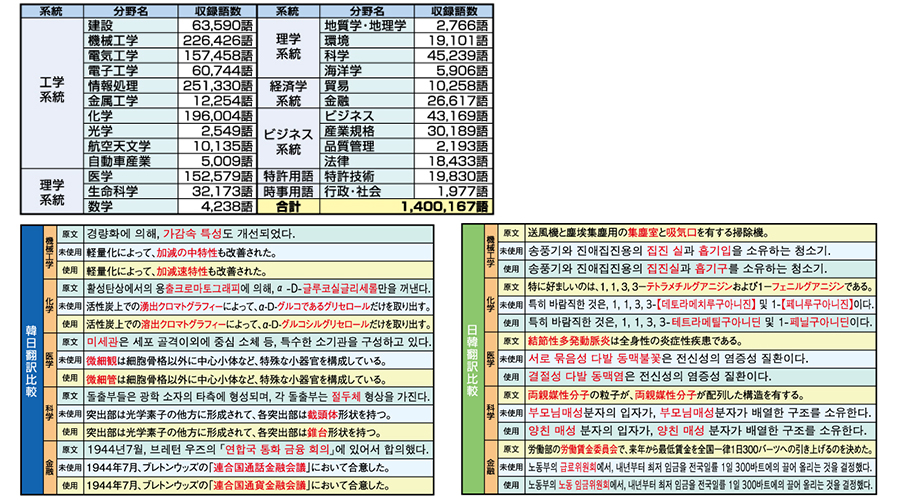 Top: Number of specialized terms included; Bottom: Example of using the specialized terminology dictionaryIt comes standard with dictionaries of frequently used patent terms and specialized terminology across 25 fields, including mechanical engineering, chemistry, and medicine. Furthermore, the terms included are carefully selected from a vast database. The system is designed not only to increase the number of terms but also to improve the overall quality of translations.
 -
Comprehensive Features to Streamline Translation Work
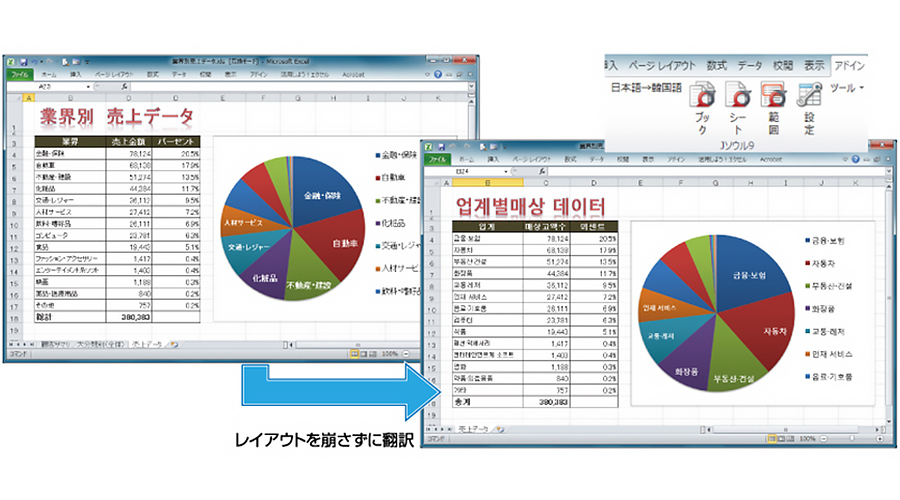 Excel Add-in TranslationTranslate with a single click from Microsoft Office (Word, Excel, PowerPoint), web browsers (Internet Explorer), and email clients (such as Windows Live Mail). Furthermore, the formatting of tables and graphs, as well as the layout of web pages, remains unchanged.
- I was impressed by the near-native pronunciation. (Mr. H, Aichi Prefecture)
- I’ve been using J-Beijing for quite some time now, and I trust Koden’s technology.
I also rely on it for Korean. (Mr. H, Osaka Prefecture) - I appreciate the quick response to issues. (Mr. K, Gunma Prefecture)
- The translation accuracy is excellent. (Mr./Ms. Y, Overseas)
- I am very satisfied. (Mr./Ms. N, Saitama Prefecture)
Feature List
| Function |
Overview |
Expert 2 | Premium 2 |
|---|---|---|---|
|
J-Seoul9 Bilingual Editor |
A high-performance editor for entering and translating Japanese and Korean text Translation Memory / User Dictionary / Batch Translation / Clipboard Translation / Translation Verification / Equivalent Term Display / Unknown Term Display (Japanese-Korean only) / Translation Selection / Japanese-Korean Character Conversion / Non-Translation Designation / Translation Lock/ Transfer Translation Results ( Word, Excel, Email) |
◯ | ◯ |
|
J-Seoul9 Navigator |
A comprehensive navigator that displays “Translation,” “Dictionary,” and “Pronunciation” for selected words or sentences, and launches the main tools of this product |
◯ | ◯ |
|
Korean Digital Dictionary |
Learn word meanings and usage examples using Shogakukan’s “Korean Dictionary” and “Japanese-Korean Dictionary” |
◯ | ◯ |
|
PDF Translation |
Translate directly without opening the PDF file, and automatically generate a translated PDF file |
◯ | ◯ |
|
File Translation |
Translate Office files and other documents directly from File Explorer and automatically generate translated files. Also supports patent-specific file formats ( XML/GXML/SGM/SGML ). |
◯ | ◯ |
|
Office Add-in Translation |
Translate while using Microsoft Word, Excel, or PowerPoint |
◯ | ◯ |
|
Web Add-in Translation |
Translate while browsing the web in Internet Explorer 11(Windows 8.1 only) |
◯ | ◯ |
| Email-Integrated Translation | Translate while using email software | ◯ | ◯ |
| J Seoul9Clip |
Translate text as soon as you "copy" it; simply paste without clicking any buttons |
◯ | ◯ |
| Text-to-Speech |
Read Korean text aloud using text-to-speech |
◯ | ◯ |
| Listening Lessons |
Listen to everyday and business conversations to improve your listening skills |
◯ | ◯ |
| My Letter Navigator |
Fill in the blanks of standard Korean email templates with Japanese words → Translate the words → Complete the email |
◯ | ◯ |
|
Compare and Check! |
Text File Comparison Tool Supported Codes: Japanese (Shift-JIS, Unicode) / Korean ( KS Code, Unicode ) |
◯ | ◯ |
|
Patent Terminology |
Dedicated dictionary containing words frequently found in patent documents |
◯ | ◯ |
|
Korean Fonts |
Korean fonts available for use within the application Expert: 10 KS Code fonts Premium: KS Code 22 Fontsand KW Code 20 Fonts |
◯ | ◯ |
|
KoreanWriterLT |
Kodensha’s original Korean input system |
◯ | ◯ |
|
KoreanWriter7 Standard |
Korean Language Learning Software (Korean Input System + Support Tools) |
× | ◯ |
|
Online Human Translation |
Request Human (Manual) Translation Online |
◯ | ◯ |
| User Manual | View detailed operating instructions and support contact information in PDF format | ◯ | ◯ |
System Requirements/Specifications
| Item | Overview |
|---|---|
| OS | Windows 11 (64-bit) / Windows 10 (32-bit and 64-bit) Japanese versions Not compatible with applications running on the Modern UI *The latest Service Pack (SP) is recommended |
| Compatible PCs | A PC capable of running the above operating systems properly |
| Hard Disk (for full installation) | J-Soul 9 Expert: 3.4 GB J-Soul 9 Premium: 3.4 GB + 2.3 GB (KoreanWriter7) |
| Network Environment | After installing the product, license activation via an Internet connection is required |
| Office Add-in Translation | Word/Excel/PowerPoint (2024/2021/2019/2016) (PowerPoint: Excluding add-in features) |
| Email Add-in Translation | Outlook (2021/2019/2016) |
| Text-to-Speech Engine |
HOYA Corporation Voice Engine “VoiceText” |
・This product is not compatible with applications running on the Modern UI.
・This product is not compatible with Office Store app versions.
・Translations provided by this product are generated by machine translation and are not guaranteed to be accurate at all times.
・Input via KS-IME is supported only in multilingual applications.
・The Hangul Voice text-to-speech feature uses text-to-speech synthesis and does not guarantee accurate pronunciation at all times.
・This product is a single-user license limited to one user.
・Unauthorized copying or misuse of this product is prohibited.
・To receive user support and notifications about special offers on new products, you must register as a user within 30 days of installation.
・To use this product, you must complete license activation via the Internet when you first launch it.
If you are unable to complete license activation—for example, due to a lack of Internet connection—you will only be able to use the product for 14 days after installation.
・The specifications and price of this product are subject to change without notice.
| Product Name | Model Number | Boxed Version Price | Download Version Price |
|---|---|---|---|
 J-Soul 9 Expert 2 J-Soul 9 Expert 2 |
JS9-EXP2DL | - | 27,500 yen (tax included) Purchase at the online store |
|
J-Soul 9 Expert 2 Academic |
JS9-EAC2DL | - | 24,200 yen (tax included) Buy at the online store |
 J-Soul 9 Premium 2 J-Soul 9 Premium 2 |
JS9-PRM2DL | - | 39,600 yen (tax included) Buy at the online store |
|
J-Soul 9 Premium 2 Academic |
JS9-PAC2DL | - | 34,100 yen (tax included) Buy at the online store |
. We also offer cost-effective license options.
You will be eligible for special sales offers and technical support.
Educational Institutions
-
The following national, public, and private elementary and secondary educational institutions as defined by the School Education Act
Kindergartens, elementary schools, junior high schools, high schools, secondary schools, and special needs schools
-
The following national, public, and private higher education institutions as defined by the School Education Act
Universities (including junior colleges, graduate schools, and the Open University), National Colleges of Technology, Specialized Training Schools, and Vocational Schools
-
Various schools with the legal status of a school corporation as defined by the School Education Act
Schools for foreign nationals, etc.
-
Public vocational skills development facilities and vocational training corporations as defined in the Act on the Promotion of Vocational Skills Development
Vocational Training Schools, Vocational Training Junior Colleges, National Vocational Training Colleges (including the National Institute for Vocational Training), Vocational Training Promotion Centers, Vocational Training Schools for Persons with Disabilities, etc.
-
Rehabilitation facilities for persons with physical disabilities established under the Act on Welfare for Persons with Physical Disabilities, and the following rehabilitation facilities established under other welfare laws
Rehabilitation facilities for persons with physical disabilities, rehabilitation facilities for the visually impaired, rehabilitation facilities for the hearing- and speech-impaired, and rehabilitation facilities for persons with internal disabilities
-
Universities established by the national government and local governments
Local Government University, National Defense Academy, National Police Academy, Meteorological College, Aviation College, Maritime College, Fisheries College, Agricultural College, etc.
-
Inter-University Research Institutes
High Energy Accelerator Research Organization, National Institute of Polar Research, Institute of Space and Astronautical Science, International Research Center for Japanese Studies, National Institute of Japanese Literature, National Institute of Genetics, Institute of Statistical Mathematics, etc.
-
The following public agencies and public facilities
Boards of Education, Education Centers, Educational Research Institutes, Libraries, Museums, Art Museums, National Institution for Academic Degrees and University Evaluation, National Center for University Entrance Examinations
Individuals
- Pupils, students, and faculty and staff affiliated with the educational institutions listed above.
This service allows users who own older products from Koden-sha to purchase related software at affordable prices.
If using the email form, select “Software Products” from the “Products & Services Category,” choose the product name, and clearly state “Product Registration Certificate No. and Request for Version Upgrade” in the “Inquiry Details” field. Then, request your “Preferential Sales Application No.”
Closed on Saturdays, Sundays, and holidays.
- I would like to know the upgrade price
- I want to confirm whether the “Preferential Sales Application No.” I received previously is still valid
- Do I need the CD for the previous version? etc.
 Product Catalog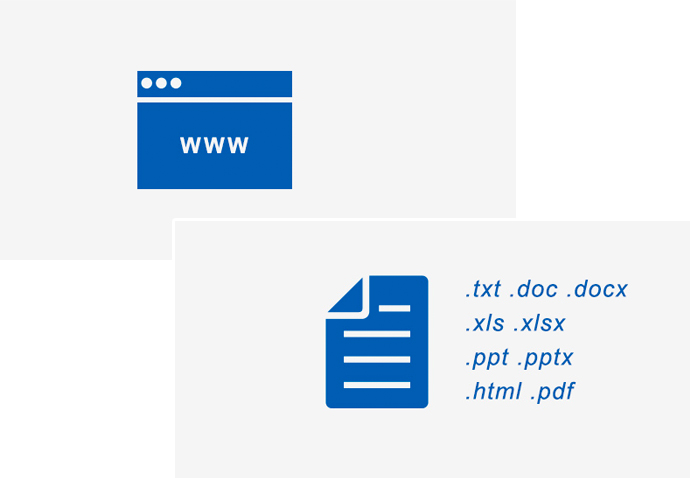
We offer a free translation test before purchase.